
AI Agent Testing and Evaluation: A Production Checklist
Introduction
Testing AI agents is fundamentally different from testing traditional software. Unlike deterministic code paths, agents operate in probabilistic environments where the same input can produce different outputs. This non-determinism makes validation challenging—but not impossible. In this guide, we cover practical testing strategies, evaluation metrics, and production readiness checks specifically designed for AI agent systems.
Why Agent Testing Is Different
Traditional software testing relies on predictable input-output relationships. AI agents break this assumption. An agent might:
- Call different tools in different orders to reach the same goal
- Produce semantically identical outputs with different wording
- Make reasonable but incorrect decisions under edge cases
- Exhibit drift over time as models and prompts evolve
This means you need a different testing philosophy—one that focuses on behavior validation rather than exact output matching. The core challenge is evaluating probabilistic systems with deterministic confidence.
Core Testing Strategies
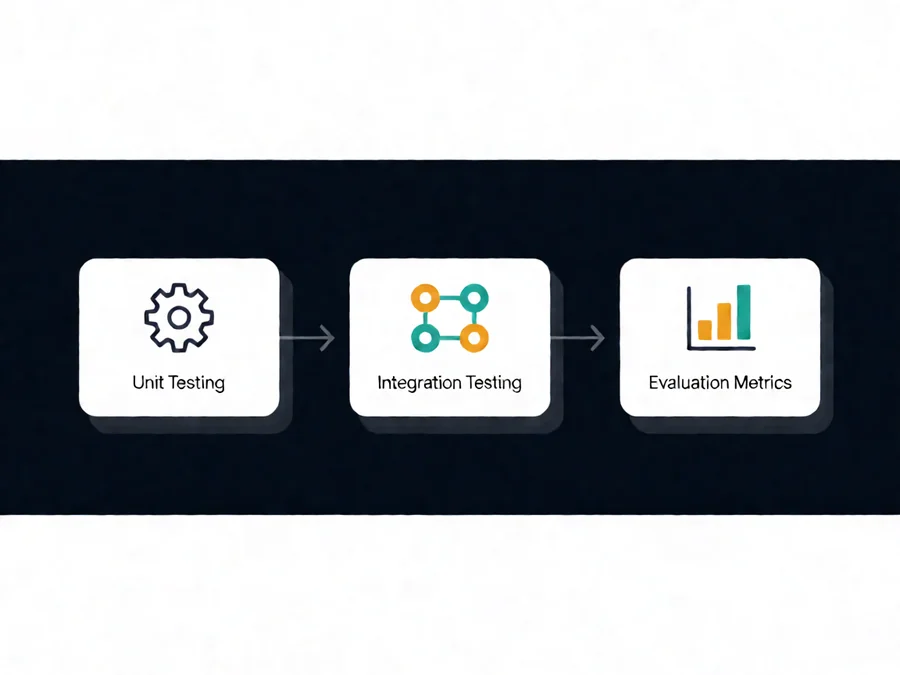
Unit Testing for Tool Calls
Test each tool invocation independently. Verify that:
- The agent calls the correct tool for a given task
- Tool parameters match expected schemas
- Error handling works when tools fail
- Timeouts and retries function correctly
Integration Testing for Agent Workflows
Test complete agent workflows end-to-end. Key scenarios include:
- Multi-step task completion across multiple tools
- Tool chaining where output of one tool becomes input to another
- Error recovery when individual tools fail
- Timeout handling for slow external APIs
| Testing Level | Purpose | Typical Coverage |
| Unit Tests | Individual tool/function validation | 80-95% |
| Integration Tests | Workflow orchestration validation | 70-90% |
| Semantic Tests | Output quality and correctness | 75-95% |
| Adversarial Tests | Edge case and failure mode testing | 60-85% |
Semantic Output Validation
Since exact string matching fails with LLM outputs, use semantic validation techniques:
- Embedding similarity checks with cosine similarity threshold >0.85
- Fact verification against ground truth sources
- Structural validation to ensure JSON schema compliance
- Keyword presence and absence checks for required content
- Numeric tolerance checks for calculations
Adversarial Testing
Probe agents with edge cases to find failure modes before production:
- Ambiguous or incomplete instructions
- Conflicting constraints that require prioritization
- Extremely long contexts that strain memory
- Unusual tool combinations not in training data
- Malicious inputs attempting prompt injection
- Rate limiting and concurrent request scenarios
Regression Testing
Establish a baseline test suite that runs automatically after any change:
- Model updates—verify no regression in accuracy or behavior
- Prompt modifications—ensure changes don’t break existing functionality
- Tool schema changes—validate compatibility with existing workflows
- Dependency upgrades—check for breaking changes in SDKs or libraries
Evaluation Metrics
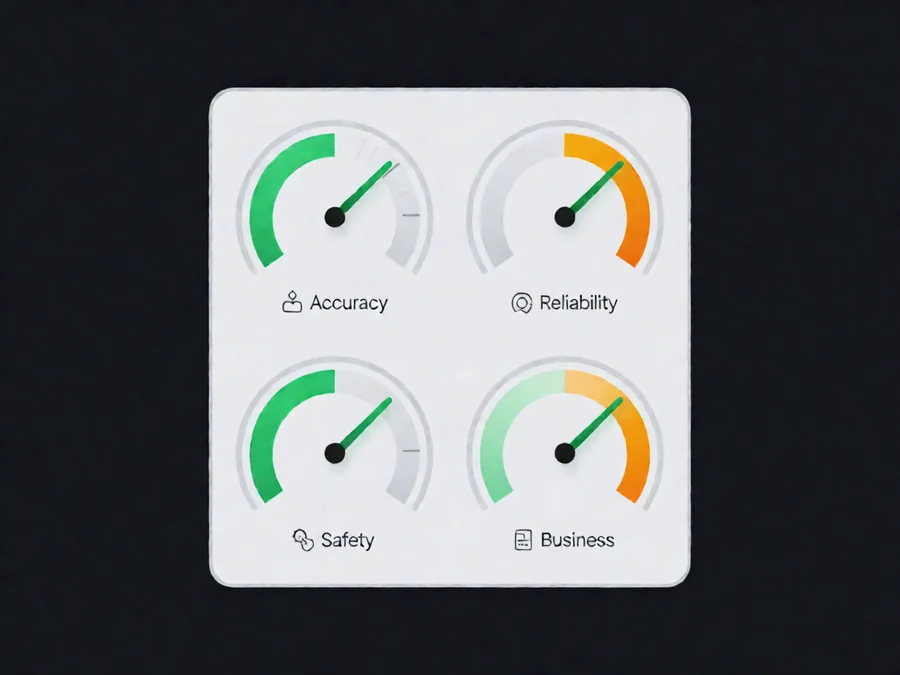
Accuracy Metrics
| Metric | Description | Target |
|---|---|---|
| Task Success Rate | Percentage of tasks completed correctly | >90% |
| Tool Call Accuracy | Correct tool selected for each subtask | >95% |
| Parameter Accuracy | Correct parameters passed to tools | >90% |
| Response Relevance | Semantic similarity to ideal response | >0.85 |
| Factual Accuracy | Percentage of factual claims verified | >95% |
Reliability Metrics
| Metric | Description | Target |
|---|---|---|
| Error Recovery Rate | Successful recovery from tool failures | >80% |
| Timeout Handling | Graceful degradation on slow tools | >95% |
| Idempotency | Safe re-execution of operations | 100% |
| P95 Latency | 95th percentile response time | <30s |
Safety and Business Metrics
Safety metrics track whether agents operate within acceptable risk boundaries:
- Hallucination Rate: Target <5% fabricated facts
- Privacy Leakage: Zero unauthorized data exposure
- Policy Compliance: >98% adherence to safety guidelines
- Escalation Accuracy: Appropriate human handoff triggers
Business metrics ensure operational viability:
- Cost Per Task: Track token consumption and expenses
- User Satisfaction: Post-interaction ratings (target >4.0/5)
- Task Completion Time: Average time from request to resolution
- Repeat Contact Rate: Users returning for same issue (target <10%)
Production Readiness Checklist
Pre-Launch Validation
- ✓ All unit tests pass with zero failures
- ✓ Integration tests cover 90%+ of expected workflows
- ✓ Semantic validation suite passes on holdout test set
- ✓ Adversarial testing reveals no critical vulnerabilities
- ✓ Performance benchmarks meet latency requirements
- ✓ Cost per task documented and within budget
- ✓ Security audit completed with findings addressed
- ✓ Fallback behavior tested for all tool failures
Monitoring Requirements
- Tool call logging with full parameter capture
- Latency tracking per tool and total workflow
- Error rate monitoring with configurable alerting
- Cost tracking by task type and user segment
- User feedback collection mechanism
- Anomaly detection for unexpected behavior patterns
- Audit trail for all state-changing operations
Rollout Strategy
- Staged rollout plan (10% → 50% → 100%)
- A/B comparison framework with control group
- Kill switch implementation tested
- Rollback procedure documented and practiced
- Post-launch review scheduled within 72 hours
- Support team briefed on known limitations
- Customer communication prepared for issues
Common Testing Pitfalls
Pitfall 1: Overfitting to Test Cases
Creating test suites so specific that agents memorize answers rather than learning skills. This produces impressive test scores that don’t translate to real-world performance.
Solution: Use diverse test cases covering the same underlying capability in different ways. Focus on testing the skill, not the specific question.
Pitfall 2: Ignoring Non-Determinism
Expecting identical outputs on repeated runs leads to brittle tests that fail without reason. Agents are probabilistic by nature.
Solution: Use semantic similarity instead of exact matching. Allow reasonable variation in wording while validating core correctness.
Pitfall 3: Testing in Isolation
Testing agents without real tool dependencies creates false confidence. Mocked tools don’t capture authentication issues, rate limits, or unexpected response formats.
Solution: Use integration environments with mocked but realistic tool behavior. Test with actual API constraints and error conditions whenever possible.
Pitfall 4: Neglecting Cost Testing
Failing to measure token usage and operational costs leads to surprises at scale. An agent that seems efficient in testing might consume excessive tokens in production.
Solution: Include cost benchmarks in every test run. Set budget alerts and conduct optimization analysis regularly.
Pitfall 5: Focusing Only on Happy Paths
Testing only successful scenarios leaves blind spots for failure modes that users will actually encounter.
Solution: Dedicate equal effort to failure scenario testing. Document expected behavior for every error condition.
Pitfall 6: Not Testing Across Model Versions
Agents often work with one model version but degrade when upgraded. Model updates can change behavior subtly.
Solution: Maintain a baseline test suite that validates consistency across model versions. Track performance changes carefully.
Real-World Examples
E-Commerce Support Agent
Scenario: Customer service agent handling returns, refunds, and product inquiries.
Testing Approach:
- Create 200 customer service scenarios spanning common and edge cases
- Measure first-contact resolution rate
- Validate refund amounts match policy rules exactly
- Test escalation triggers for complex or sensitive issues
- Monitor response time under load
Results: 94% first-contact resolution rate, 2% escalation to humans, average response time of 12 seconds under normal load. Cost per interaction tracked at $0.03.
Data Analysis Agent
Scenario: Agent that queries databases, generates reports, and creates visualizations.
Testing Approach:
- Verify SQL query generation against known correct queries
- Test data accuracy in generated reports with spot checks
- Validate chart configurations match business requirements
- Measure performance with large datasets (1M+ rows)
- Test error handling for missing or malformed data sources
Results: 98% query accuracy, 15-second average report generation, automatic fallback to cached results on timeout. Zero critical data accuracy issues after deployment.
Code Review Agent
Scenario: Agent that reviews pull requests, identifies issues, and suggests improvements.
Testing Approach:
- Evaluate detection accuracy on known vulnerability patterns
- Test false positive rate on legitimate code
- Measure suggestion relevance and actionability
- Validate security scanning completeness
- Test integration with existing CI/CD pipelines
Results: 85% detection accuracy for known vulnerability patterns, 12% false positive rate, average review time reduced from 15 minutes to 3 minutes per PR.
FAQ
How often should I re-test my agent?
Re-test after any model update, prompt change, tool modification, or dependency upgrade. At minimum, run the full test suite monthly. Consider continuous testing with automated regression suites.
What’s the minimum test set size?
For production deployment, we recommend at least 100 diverse test cases covering all major workflows. More is better—aim for 500+ for high-stakes applications.
How do I handle non-deterministic test failures?
Use probabilistic assertions. Instead of expecting exact output, validate that output falls within acceptable ranges—embedding similarity above threshold, contains required keywords, follows schema. Run tests multiple times and track failure frequency.
Should I test with real users before full deployment?
Yes. Run beta tests with internal users first, then a small external cohort. Collect qualitative feedback alongside quantitative metrics. Use this feedback to refine both the agent and the testing approach.
What tools help with agent testing?
Popular options include LangChain evaluation tools, DeepEval for LLM-specific testing, Promptfoo for prompt testing, custom Python suites with pytest, and specialized platforms like Arize or Weights & Biases for monitoring.
How do I establish baselines?
Start by running your agent on a diverse set of historical examples. Document current performance across all metrics. This baseline becomes your reference point for measuring improvements and detecting regressions.
Conclusion
Testing AI agents requires a hybrid approach combining traditional software testing rigor with ML-specific evaluation techniques. Focus on behavior validation rather than exact output matching. Use comprehensive checklists, measure the right metrics, and maintain continuous testing throughout your agent’s lifecycle.
A well-tested agent delivers consistent results, handles edge cases gracefully, and earns user trust through reliable performance. Start with solid testing practices, iterate based on real-world feedback, and never stop improving your evaluation strategy.
Ready to build and test your own AI agents with confidence? Explore SmaugBrain for cloud-based agent development and deployment tools with built-in testing and evaluation frameworks.