
How to Choose the Right AI Agent Orchestration Pattern for Your Use Case
Introduction
When building AI agents for production, one of the most consequential decisions you’ll face is how to orchestrate agent behavior. The landscape is full of buzzwords — Sequential, Parallel, Hierarchical, Graph-Based, and more — but picking the wrong pattern can turn a promising prototype into a fragile, retry strategies can help.
This guide breaks down the four main orchestration patterns, when to use each, and practical trade-offs you should consider before committing to an architecture. If you’re working with frameworks like SmaugBrain, LangGraph, CrewAI, or AutoGen, these patterns apply across the board. Understanding these approaches will help you build more reliable, scalable, and cost-effective AI systems.
Why Orchestration Matters More Than You Think
A single LLM call is straightforward: input goes in, output comes out. But real-world agents interact with tools, call multiple LLMs, branch on results, retry failures, and manage state across turns. Without a clear orchestration pattern, you end up with:
- **Fragile chains** — a single failure breaks the entire flow.
- **Unpredictable latency** — too many sequential calls balloon response time.
- **Debugging nightmares — see our observability guide** — no visibility into which step went wrong.
- **Cost blowouts** — redundant LLM calls from poor branching logic.
The right pattern gives you predictability, observability, and resilience from day one. This is especially critical for production systems where reliability directly impacts user experience and business outcomes.
Pattern 1: Sequential Orchestration
What It Is
Tasks execute one after another in a fixed order. Each step’s output becomes the next step’s input. This is the simplest possible orchestration model — essentially a pipeline.
When to Use It
- Your workflow has a **natural linear flow** with clear dependencies.
- Steps must complete **in a specific order** (e.g., retrieve → analyze → summarize).
- You’re building a **simple agent** where control flow is predictable.
- **Rapid prototyping** — you need something working today.
Example Flow
User Query → Retrieve Documents → Extract Key Facts → Generate Summary → Return Answer
Pros
- Easy to understand, debug, and implement.
- Low latency overhead (no coordination complexity).
- Deterministic — same input always produces the same flow.
Cons
- **Brittle** — a failure in any step halts everything.
- **No branching** — can’t adapt to different input types.
- **Single point of failure** — no fallback paths.
- **Scalability ceiling** — long chains accumulate latency and token costs.
Real-World Fit
Great for: a customer support agent that always follows the same three-step process (lookup order → check policy → draft response). Not great for: a research assistant that needs to adapt its approach based on what it finds.
Pattern 2: Parallel Orchestration
What It Is
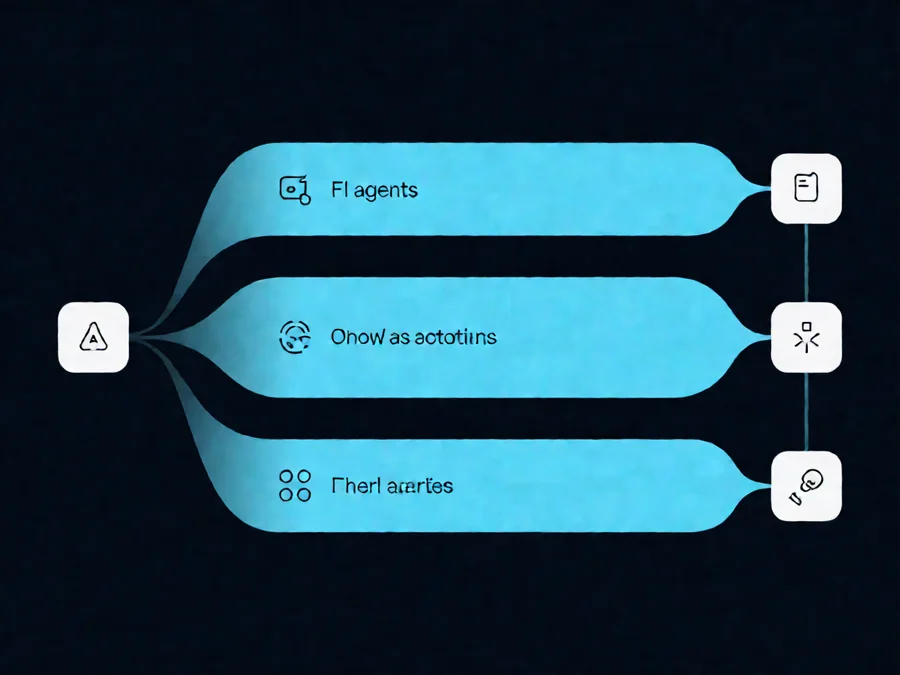
Multiple agent tasks run concurrently, and results are aggregated afterward. Think of it as delegating sub-tasks to different workers and combining their outputs.
When to Use It
- Tasks are **independent** — no step depends on another’s output.
- You need to **reduce latency** by doing work simultaneously.
- You’re processing **multiple inputs** that can be handled independently.
- You want to **summarize across diverse sources** (e.g., multi-document analysis).
Example Flow
User Query
├── Parallel Task A: Search Knowledge Base
├── Parallel Task B: Query External API
└── Parallel Task C: Check Internal Database
↓
Aggregate Results → Generate Final Answer
Pros
- **Faster wall-clock time** — independent tasks run simultaneously.
- **Resilient to individual failures** — one task failing doesn’t break others.
- **Natural fit for multi-source research** — gather from many places at once.
Cons
- **Aggregation complexity** — merging outputs intelligently is hard.
- **Higher cost** — more concurrent LLM calls = more tokens spent.
- **Coordination overhead** — you need a merge/summarization step.
- **Resource limits** — rate limits and concurrency caps may throttle you.
Real-World Fit
Great for: a competitive intelligence agent that simultaneously monitors five different news sources. Not great for: a task where Step B logically depends on Step A’s result.
Pattern 3: Hierarchical Orchestration
What It Is
A manager agent delegates sub-tasks to worker agents, each specialized for a domain. The manager coordinates, assigns work, and synthesizes results. It’s essentially a team structure: a project lead with specialists under them.
When to Use It
- Your problem naturally **splits into specialized sub-domains**.
- You need **different expertise** for different parts of the task.
- You want to **contain blast radius** — a failure in one worker doesn’t crash the system.
- You’re building a **complex multi-step system** with clear role separation.
Example Flow
Manager Agent: “Analyze this market report”
├── Worker A (Data Analyst): Extract metrics from spreadsheets
├── Worker B (Writer): Draft executive summary
├── Worker C (Fact-Checker): Verify claims against source data
└── Worker D (Visualizer): Create charts from key data points
↓
Manager synthesizes all outputs → Final Report
Pros
- **Specialization** — each worker can use a tailored prompt, model, and tools.
- **Modular debugging** — isolate issues to individual workers.
- **Scalable** — add more workers without restructuring the whole system.
- **Human-friendly mental model** — mirrors how teams actually work.
Cons
- **Manager overhead** — the coordinator needs strong reasoning to assign tasks correctly.
- **Communication cost** — passing context between manager and workers uses tokens.
- **Complexity spike** — harder to design and maintain than sequential flows.
- **Risk of over-delegation** — the manager might delegate tasks that don’t need agents.
Real-World Fit
Great for: a full-stack development agent with separate workers for coding, testing, documentation, and deployment. Not great for: simple, single-domain tasks where specialization adds overhead without value.
Pattern 4: Graph-Based Orchestration
What It Is
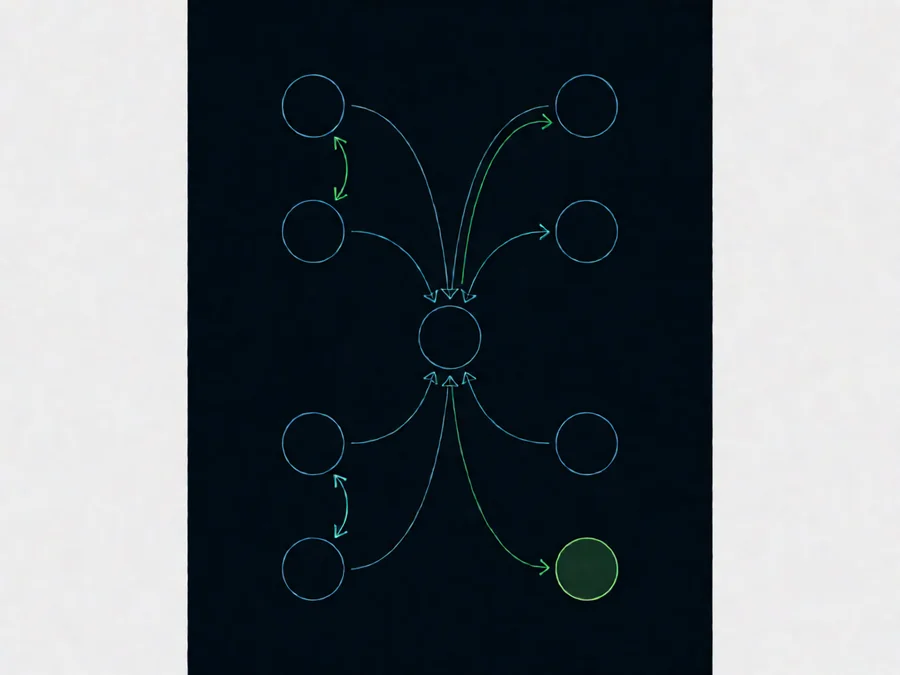
Agents are nodes in a directed graph — you define edges as conditional transitions based on outcomes. This is the most flexible pattern: you can represent loops, branches, retries, and complex decision trees. Frameworks like LangGraph make this practical.
When to Use It
- Your workflow requires **conditional branching** (if/else logic between steps).
- You need **retry loops** — e.g., retry strategies up to 3 times.
- The process is **non-linear** — different inputs trigger different paths.
- You want **full observability** — every state transition is trackable.
- You’re building a **long-running agent** that needs checkpointing and resumption.
Example Flow
Start → [LLM Call] → Check Result
├── Success → Format Output → End
├── Partial → Retry LLM (max 3) → Check Again
│ ├── Success → Format Output → End
│ └── Fail → Fallback to Cache → End
└── Missing Data → Fetch Data → Loop Back
Pros
- **Maximum expressiveness** — can model any workflow logic.
- **Built-in resilience** — retry edges, fallback edges, error handling baked in.
- **Observable state machine** — every transition is a visible node.
- **Checkpointing** — save and resume mid-execution.
- **Easy to evolve** — add new branches without rewriting the core.
Cons
- **Design complexity** — graph modeling requires upfront planning.
- **Debugging overhead** — visualizing and tracing through graphs is harder than reading linear code.
- **Framework dependency** — usually requires a dedicated orchestration framework.
- **Overkill for simple tasks** — the flexibility comes with cognitive cost.
Real-World Fit
Great for: a production-grade research agent that adapts its approach based on what it discovers, with automatic retry and fallback logic. Not great for: a simple one-shot summarization task where a sequential pattern would do.
Comparison Matrix
| Criterion | Sequential | Parallel | Hierarchical | Graph-Based |
|---|---|---|---|---|
| **Implementation complexity** | Low | Medium | Medium-High | High |
| **Latency (best case)** | Sum of all steps | Max of steps | Max of longest path | Varies by graph |
| **Resilience to failure** | Low | Medium | High | High |
| **Adaptability to edge cases** | None | Low | Medium | High |
| **Observability** | High | Medium | Medium | High |
| **Cost efficiency** | High | Medium | Medium | Medium-Low |
| **Best for** | Simple pipelines | Independent tasks | Multi-domain problems | Complex adaptive flows |
Decision Framework: How to Choose
Use this checklist to narrow down your pattern:
Getting Started
SmaugBrain provides flexible orchestration primitives for all four patterns. Visit SmaugBrain to learn more about production-ready AI agent solutions.
Frequently Asked Questions
Q1: Can I combine multiple orchestration patterns?
Absolutely. The most robust production systems hybridize patterns — for example, a hierarchical agent where each worker uses a graph-based workflow. The key is keeping each layer’s pattern simple and well-scoped.
Q2: Does the choice of LLM affect orchestration pattern?
Yes. More capable models can handle more complex reasoning within a single call, potentially reducing the need for hierarchical delegation. Less capable models often benefit from graph-based decomposition to stay on track.
Q3: How do I monitor orchestration performance?
Track three metrics per pattern: (1) end-to-end latency, (2) token cost per execution, (3) failure/retry rate. Graph-based systems need additional tracking on state transition frequency and cycle detection using observability tools.
Q4: Should I use an existing framework or build my own?
For anything beyond simple sequential flows, use a framework. SmaugBrain‘s agent orchestration layer handles graph state management, checkpointing, and observability that would be tedious to build from scratch.
Q5: How do I handle partial failures in parallel orchestration?
Implement an aggregation strategy: (1) hard stop — wait for all tasks, fail if any fail, (2) best-effort — collect what you can and flag missing pieces, (3) smart fallback — route failed tasks to an alternative path. Best-effort is the most common production choice.
Getting Started with SmaugBrain
SmaugBrain provides flexible orchestration primitives that support all four patterns. Whether you’re orchestrating a simple sequential chain of tool calls or building a graph-based agent with conditional branching and auto-retry, the platform gives you the building blocks without locking you into a single paradigm.
Explore the SmaugBrain documentation to see how these patterns translate into production-ready agent deployments. Our guides cover everything from basic sequential workflows to complex observability systems with human-in-the-loop approvals.